Digital Reward Stickers
JPEN
See every"I did it!"
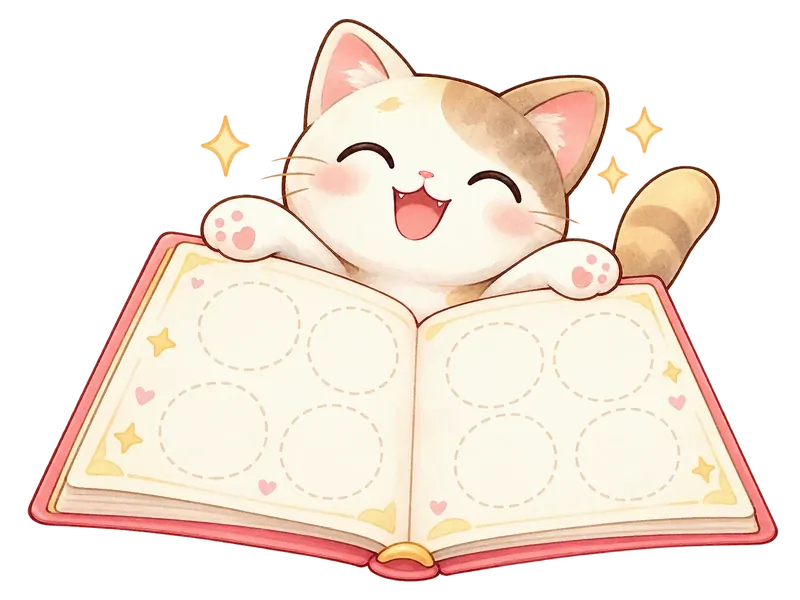
Daily wins fill up the sticker book
Brushing teeth, potty training, tidying up. Turn every "I did it!" into a sticker and grow your child's motivation with this reward sticker book.
- Free, no in-app purchases
- iPhone, iPad & Android
- Start right away, no sign-up





Sound familiar?
You're tired of saying "Brush your teeth!" and "Clean up!" every day
Paper sticker charts didn't last: you ran out of stickers or lost the chart
Potty training is slow and you'd like a fun way to keep going
Turn those worries intofun daily habits
v1.10.0
What's newin this update
From a how-to guide to shiny holo foils
How to use
A guide that walks you from adding your child to making a sticker sheet and putting on stickers
New completion screen
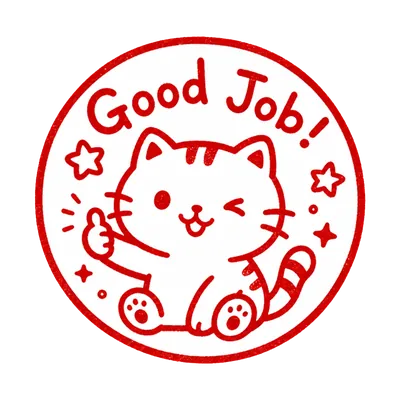
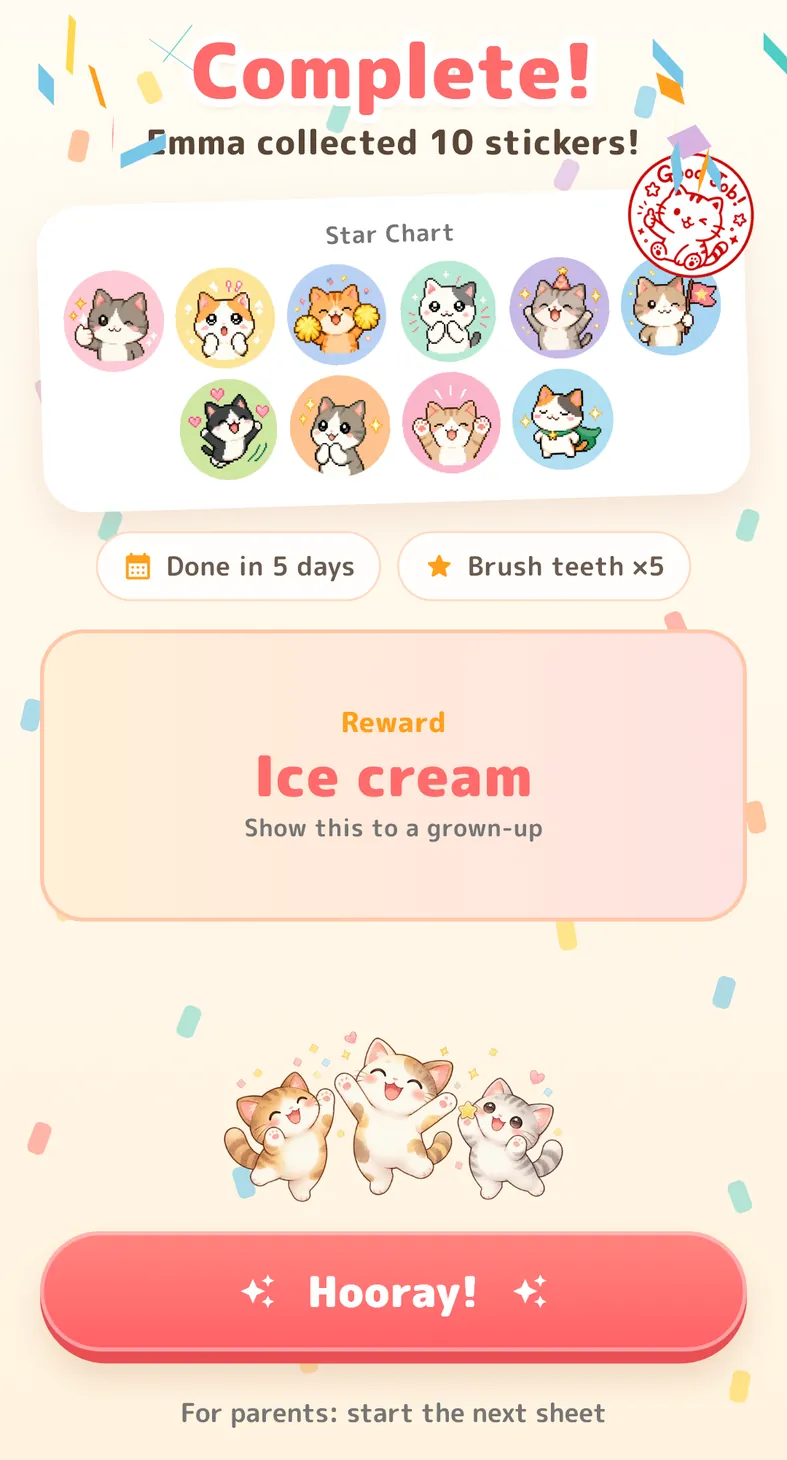
The collected stickers get a "Good Job" stamp, and the days it took are shown
Random
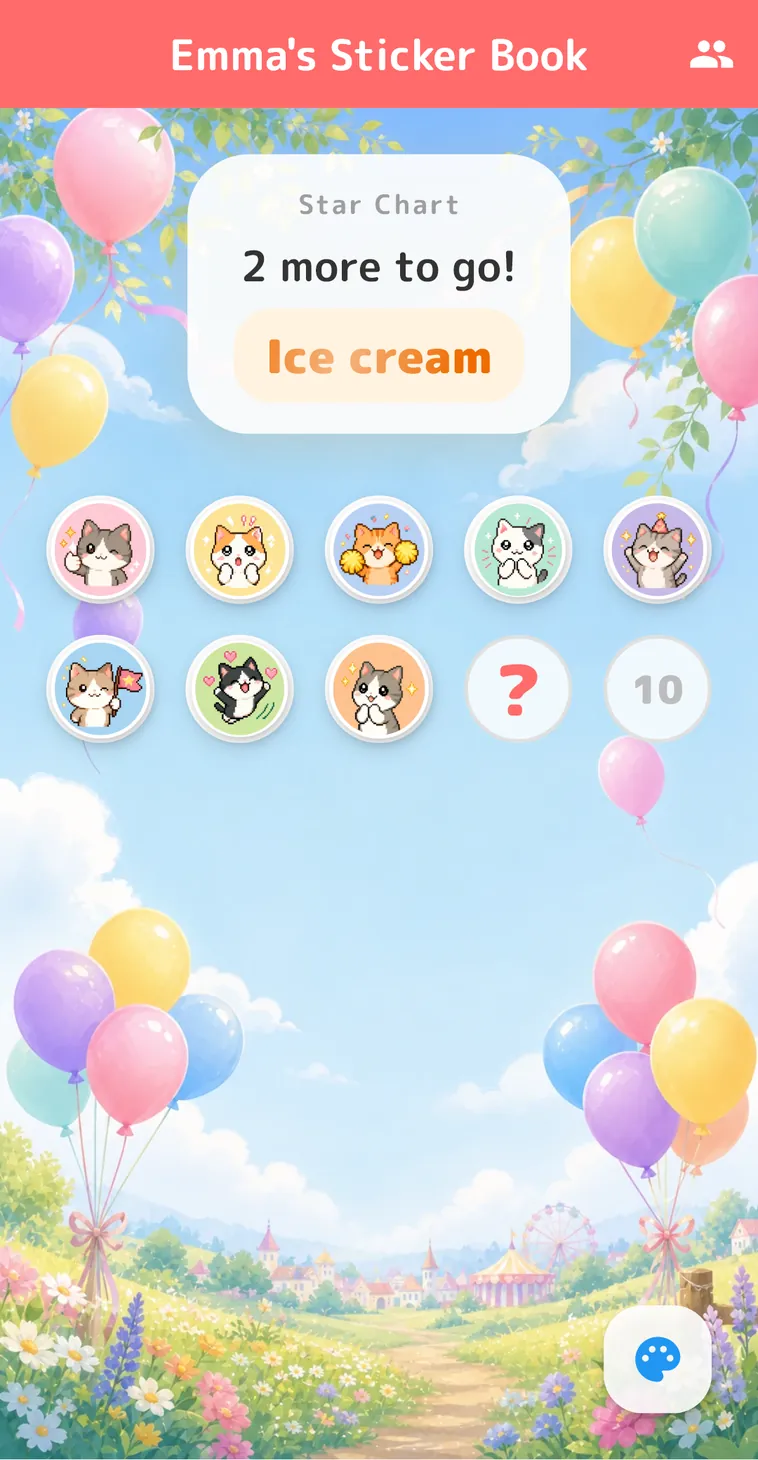
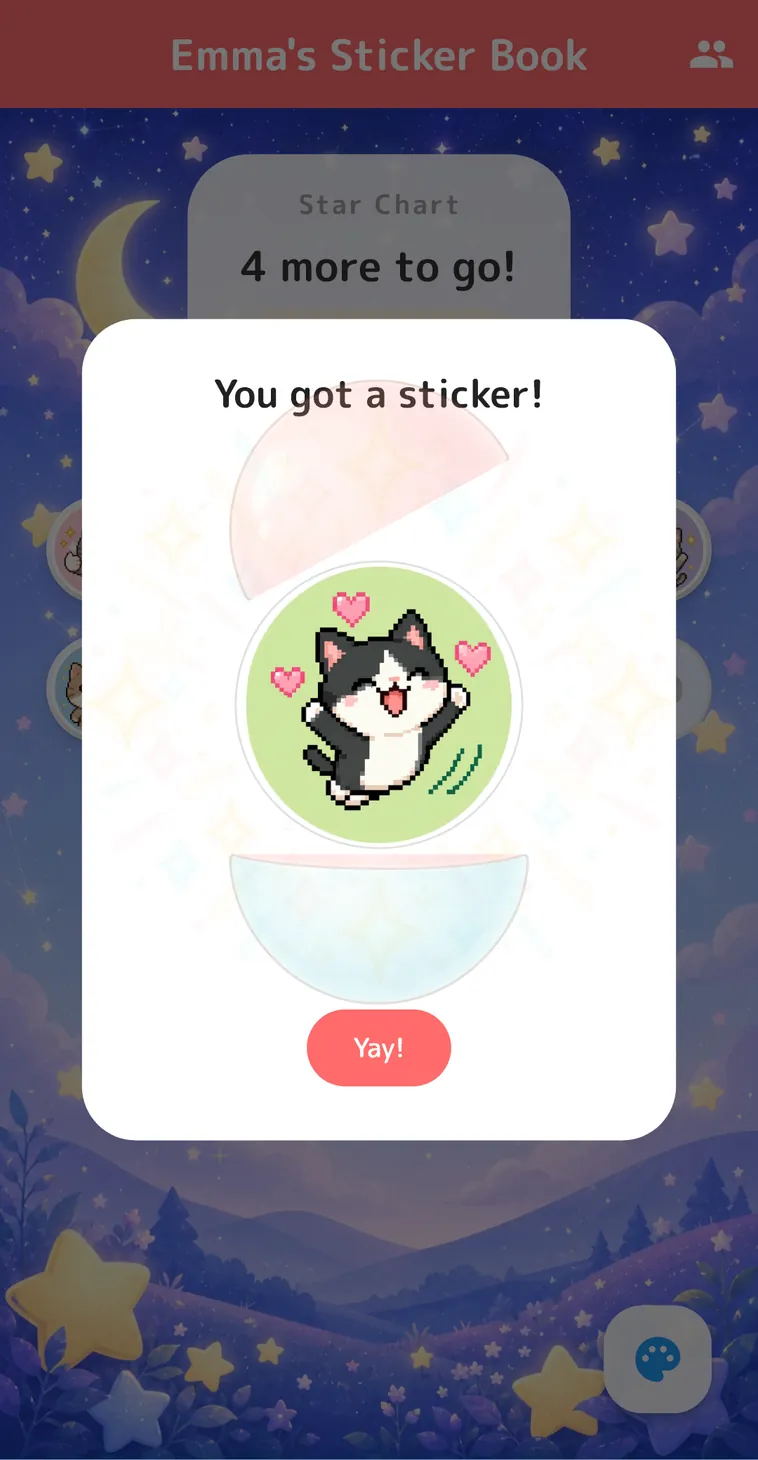
A sticker pops out of a capsule. No repeats until the whole set is collected
Holo foils
Turn photo stickers shiny with 5 foils such as Rainbow and Galaxy
Task icons
24 pictures kids understand even before they can read
Daily reminder
A notification at the time you choose, so sticker time is never forgotten


Easy 3 steps
The How to use guide shows you each step
Add your child
Just a name and an animal icon
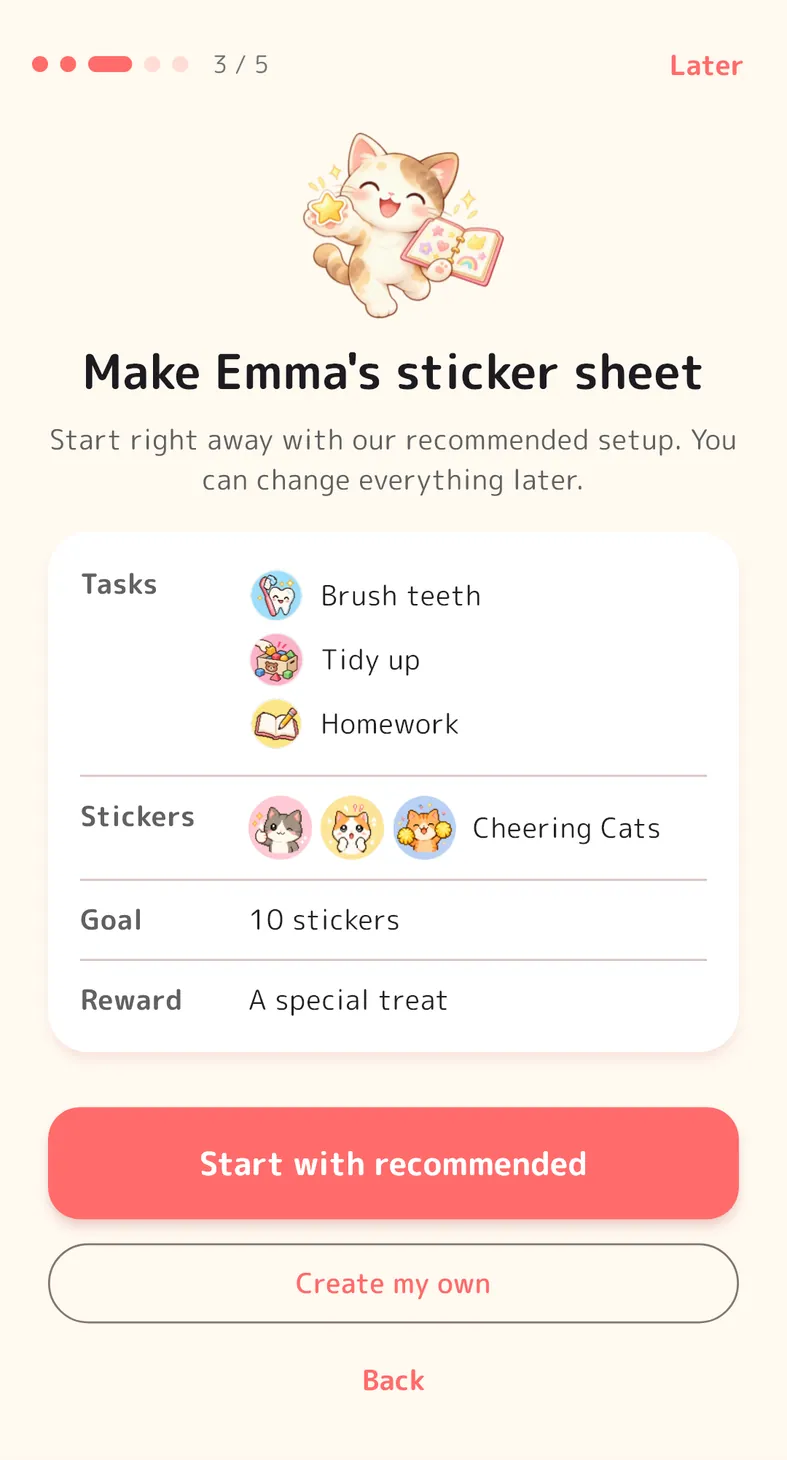
Make a sticker sheet
One tap for our recommended setup. Change tasks, rewards and the number of stickers anytime
Put on stickers
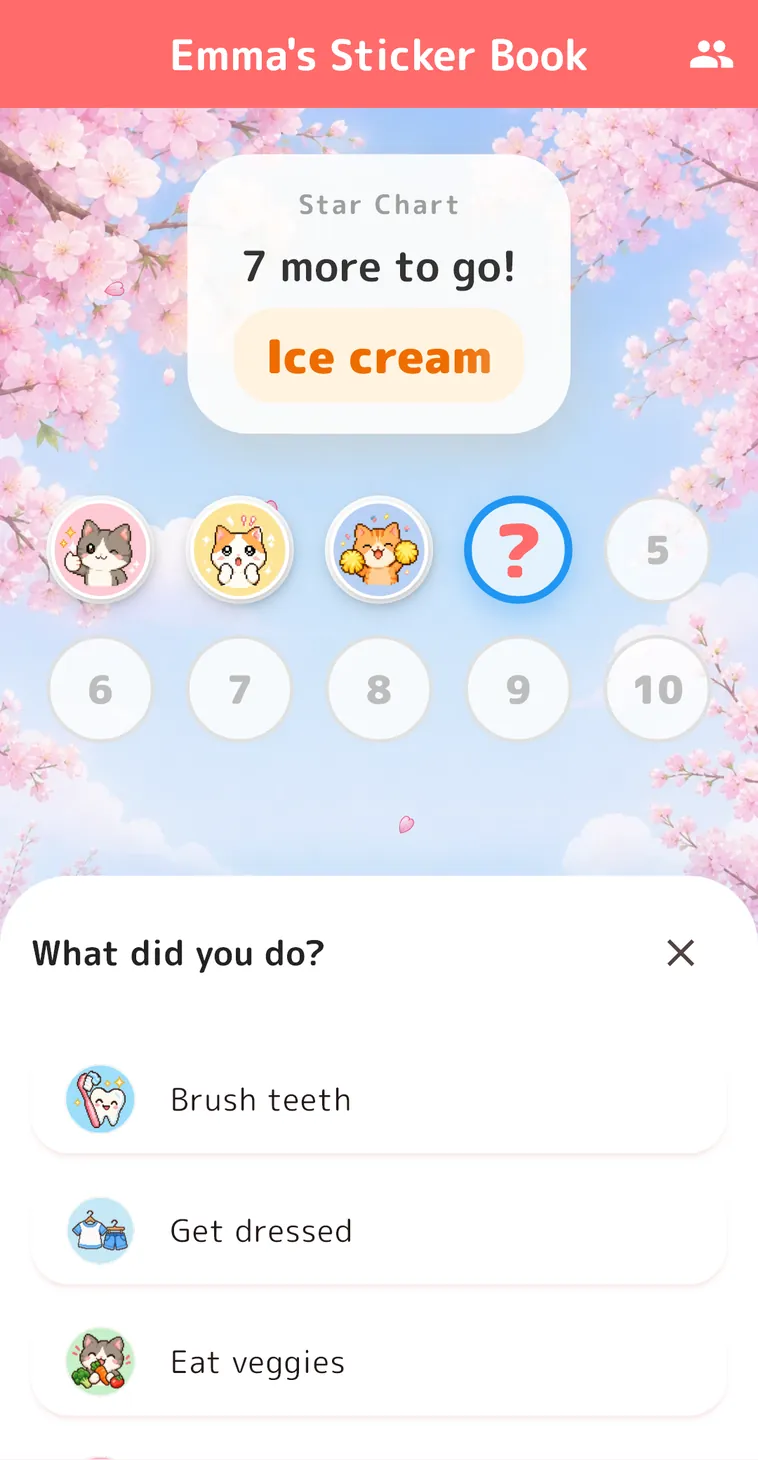
Choose what they did and stick it on. When the sheet is full, it's time for the promised reward

Kids love it
Little surprises that make them want to come back
Pictures kidsunderstand
Every task has a picture icon, so kids can tell at a glance and pick it themselves, even before they can read.


What willyou get?
Choose Random and a sticker pops out of a capsule. No repeats until the whole set is collected, so kids want to come back every day.
Celebratetogether
When the sheet is full, a celebration screen shows how many days it took, so you can cheer together.
- Confetti
- "Good Job" stamp
- A gift box with the reward
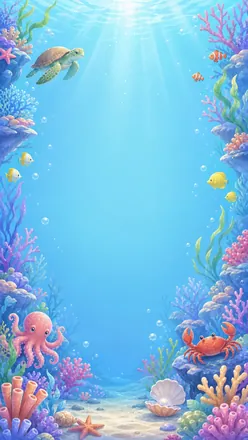
16 sticker themes and11 animated backgrounds
Cats, dogs and rabbits, pixel art, seasonal stickers and more. Backgrounds include balloons, a starry sky and cherry blossoms. Choose one per sheet.
 Sky & Balloons
 Stars
Stars Sakura
 Tanabata
 Sea Creatures
 Cars & Trains
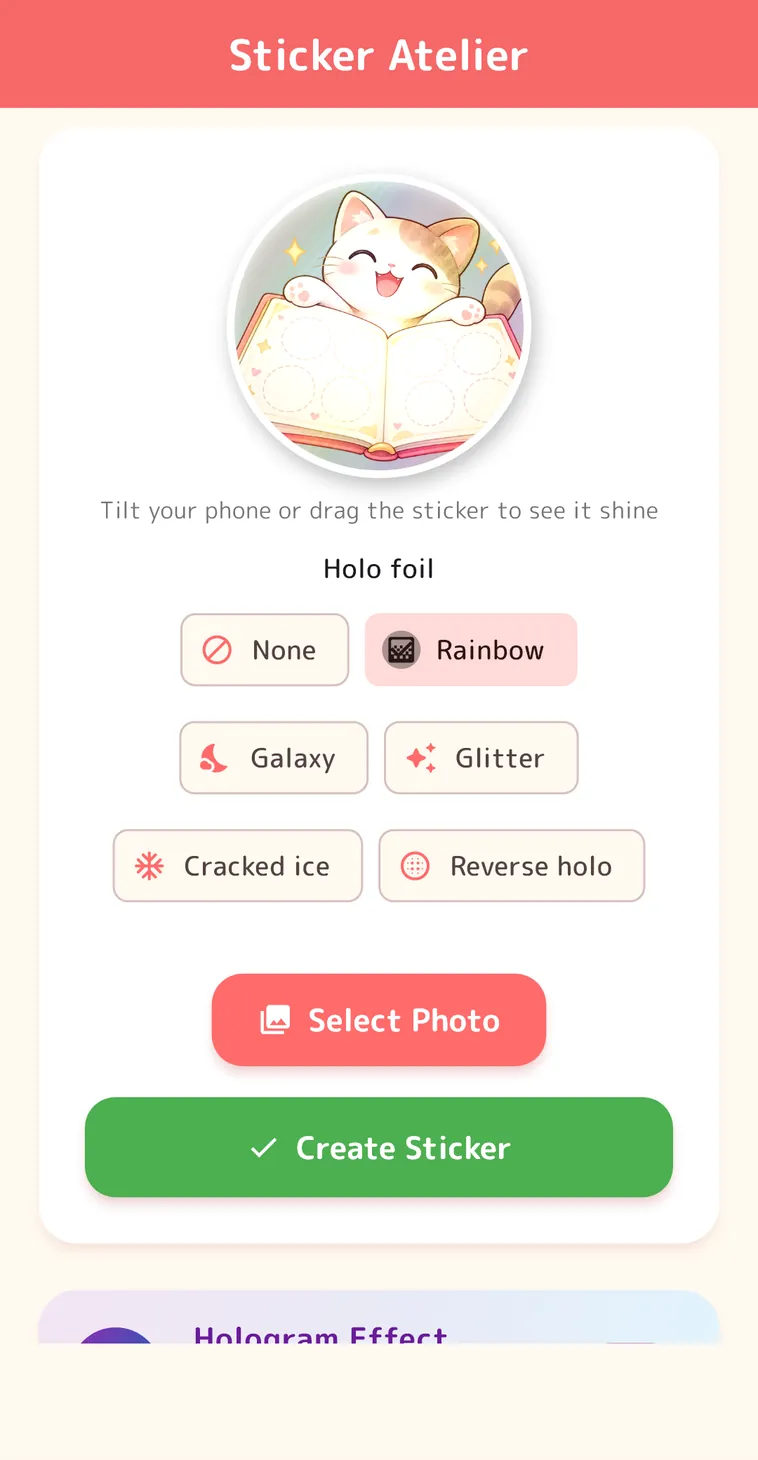
Photos becomeshiny stickers
Holo foils that shine as you tilt the phone
Make one-of-a-kind stickers from your photos in the Sticker Atelier.
5 holo foils
- Rainbow
- Galaxy
- Glitter
- Cracked ice
- Reverse holo
Tilt your phone and watch the shine change.
For parents
Simple to set up, easy to keep track
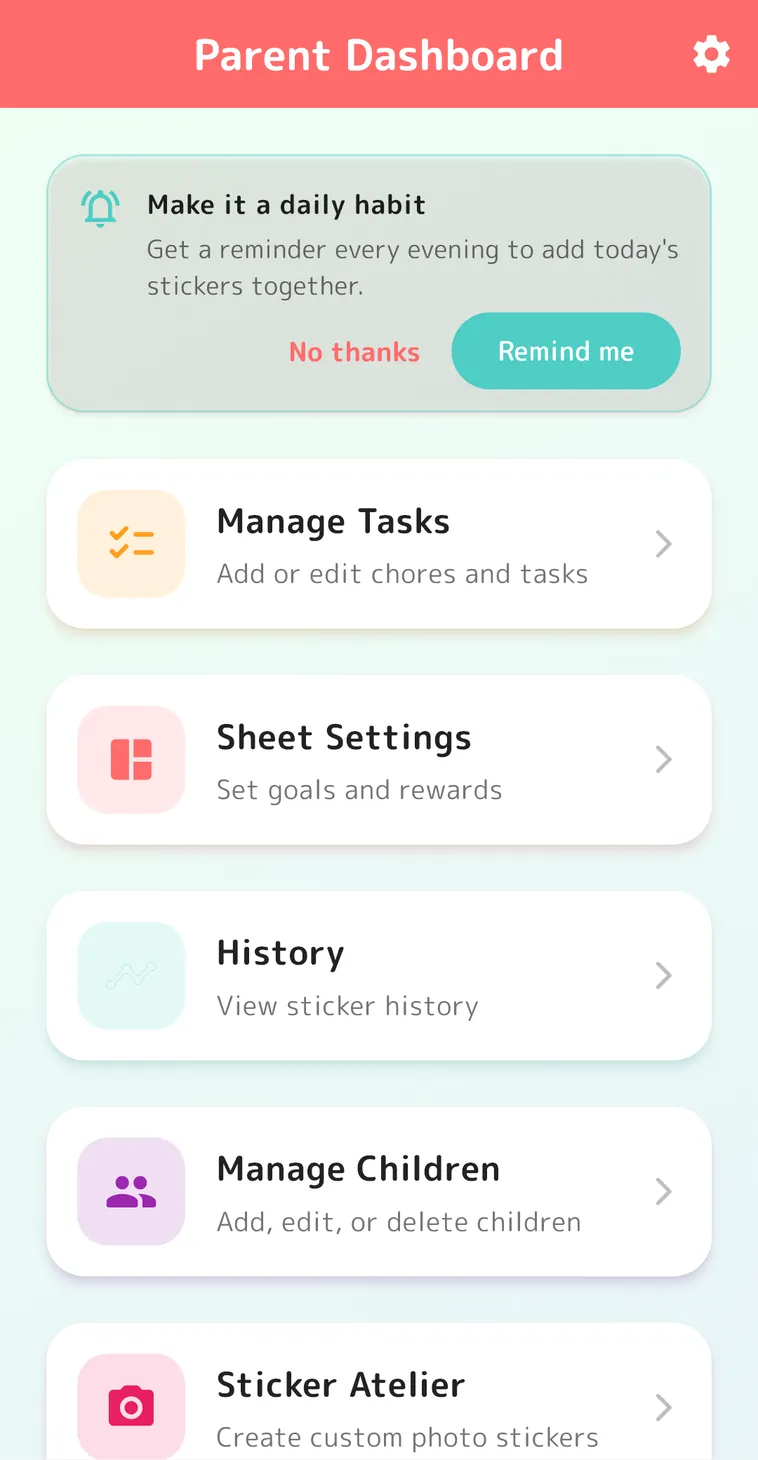
Task list
Add brushing teeth, potty training, homework, chores and more
Sticker sheets
Set the reward and the number of stickers. Make as many as you like for each child
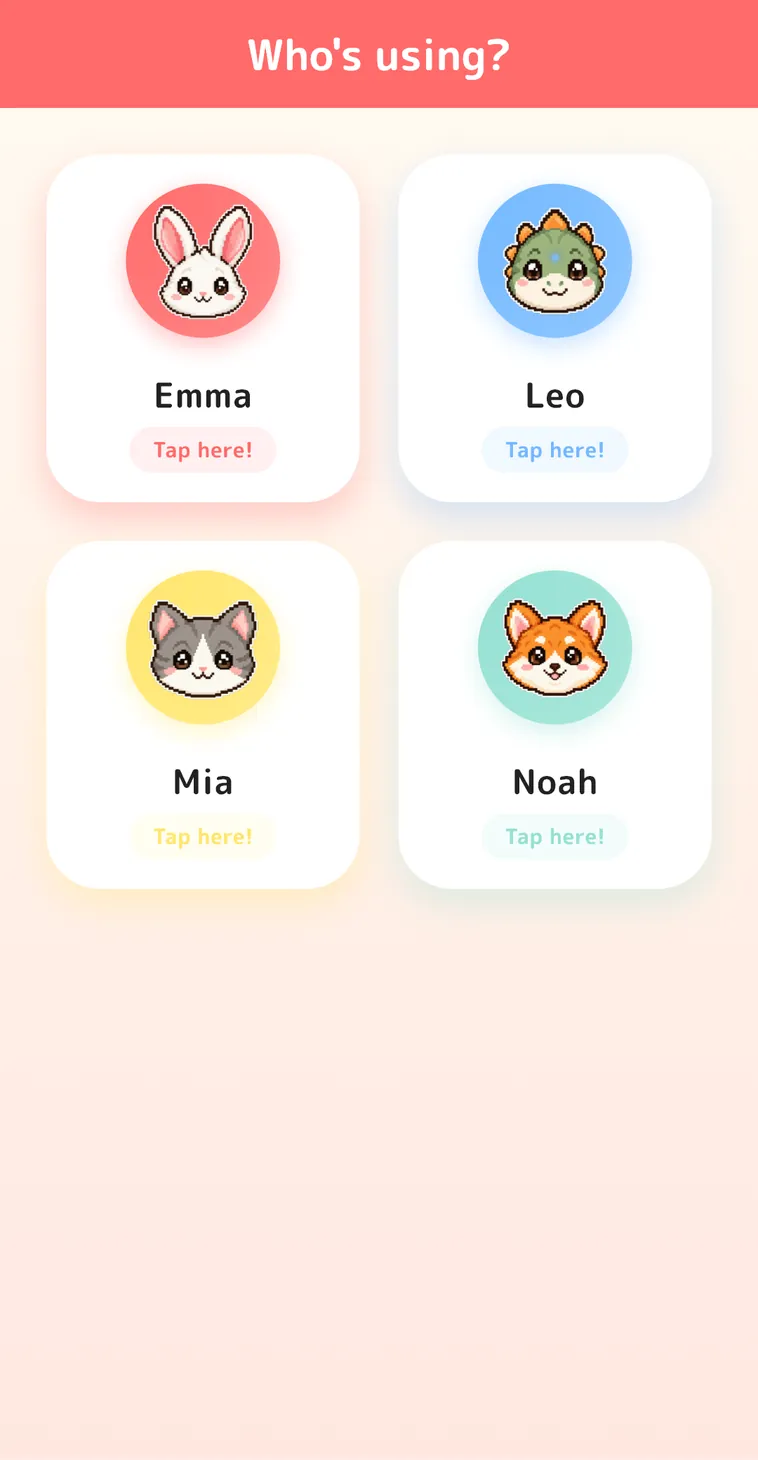
One for each child
Animal icons so each child finds their own sticker book (no face photos needed)
History
See when and for which task each sticker was earned
Undo
Take back a sticker put on by mistake right away
Daily reminder
A notification at a set time, so sticker time is never forgotten



Great for every routine
Daily habits
Potty training, brushing teeth, washing hands, getting dressed
Chores
Tidying up toys, clearing dishes, caring for pets
Learning
Homework, reading, music practice
Routines
Getting ready for daycare, preschool or school, bath time, bedtime






Peace of mind
Free
Download and every feature are free. No in-app purchases
Ads only in parent screens
Children never see ads
No face photos needed
Kids find their own sticker book by an animal icon
PIN lock
Sign up with an email address to lock the parent screens with a PIN
Share with family
Use the same account on both parents' phones and a tablet
4 languages
English, Japanese, Korean and Traditional Chinese
FAQ
Which devices are supported?
iPhone and iPad, and Android phones and tablets.
Does it cost anything?
Download and every feature are free. There are no in-app purchases.
Are there ads?
Ads are shown only in the parent screens. Children never see ads in the screens they use.
Do I need to create an account?
No. You can start right away as a guest and link an email address later. The PIN lock is available after you sign up with an email address.
Do I need photos of my child?
No. Children are told apart by animal icons. Photos are only used if you choose to make original stickers from them.
Does it work offline?
An internet connection is required because data is stored in the cloud.
Can I use it for more than one child?
Yes. You can make as many sticker books as you like for each child.
Can it send a daily reminder?
Turn on "Daily reminder" in Settings to get a notification at a set time.
Is my data safe?
Data is stored in Firebase's secure cloud. Please see the privacy policy for details.




Start today!
Free, no in-app purchases